
Why Your Website Isn’t Ranking on Google?
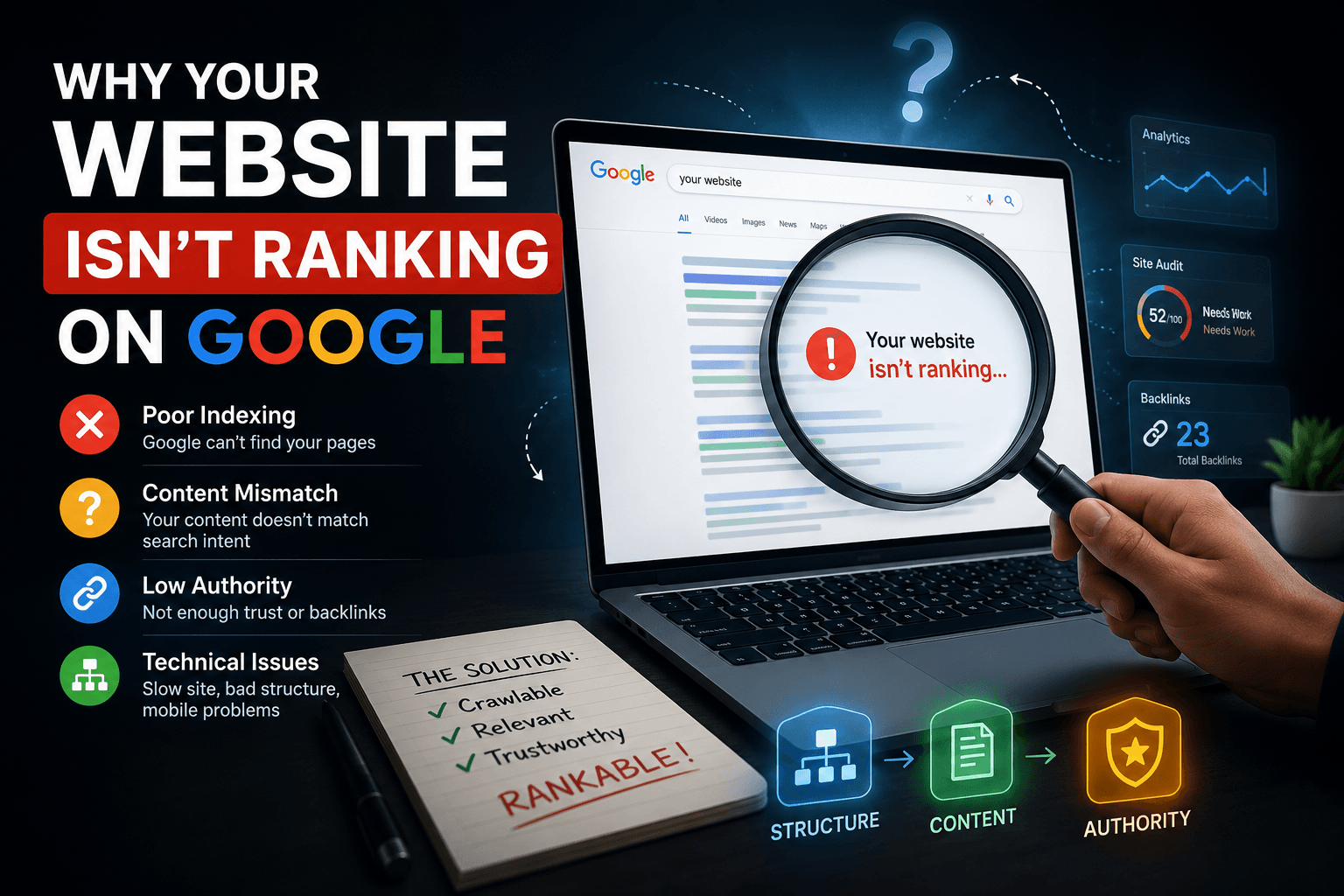
If I were teaching you this in a real classroom, I’d start with the simplest truth: your website isn’t invisible because Google is broken—it’s invisible because Google can’t confidently understand or trust it yet.
Now, “Why Your Website Isn’t Ranking on Google” is not a single problem—it’s a collection of small gaps working against you at the same time. Some are technical, like poor indexing or messy site structure. Some are content-related, where your pages don’t clearly match what users are searching for. And some are authority-related, where your site simply hasn’t earned enough signals of trust from the wider web.
In practice, SEO is not guessing—it is diagnosing. We don’t randomly change things; we test whether Google can crawl your pages, whether your content actually answers real search intent, and whether your site has enough credibility signals to compete. Then we fix each layer step by step: structure first, content clarity next, and authority last.
Think of it like lab work, not luck. Once you understand what Google is trying to evaluate—meaning, usefulness, and trust—you stop guessing and start building a site that naturally earns its place in search results.
Why Isn’t My Website Appearing on Google at All?
1. The Real Reason This Happens
When a website does not appear on Google at all, most people immediately assume “something is wrong with SEO.” But in reality, this is usually not an SEO ranking problem—it is a visibility problem at the discovery stage.
To understand this properly, you need to know how Google actually works.
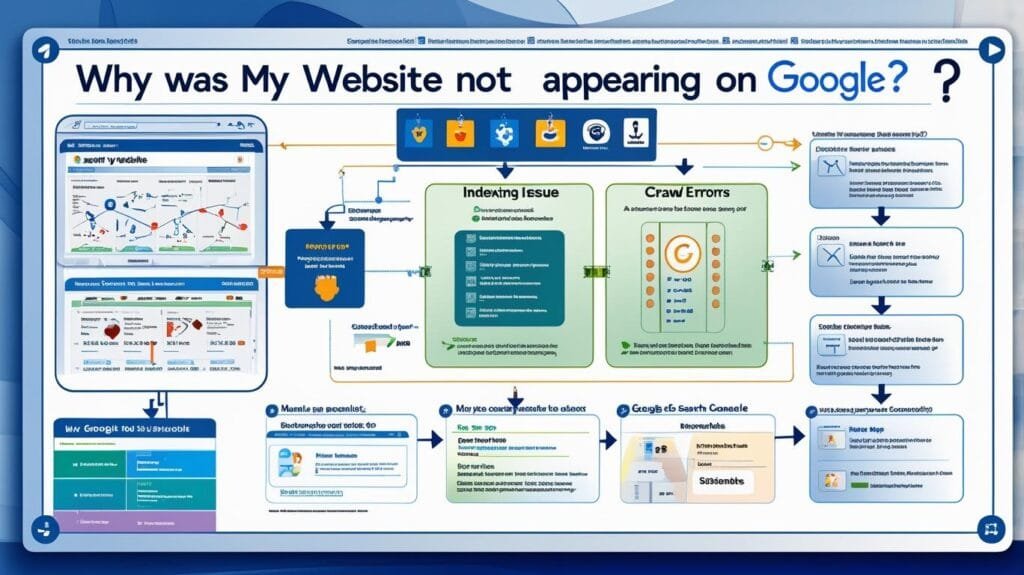
Google operates in three layers:
1. Crawling – Google sends automated bots (called crawlers or spiders) to discover pages across the internet. These bots follow links from known pages to new ones.
2. Indexing – After crawling, Google decides whether a page is valuable enough to store in its massive database (the index). If it is not indexed, it does not exist in search results.
3. Ranking – Only after indexing does Google decide where your page appears in search results.
So when your website is not appearing at all, the problem is almost always in the first two stages: crawling or indexing.
There are several hidden reasons this happens:
- Google has not discovered your website yet (common for new domains).
- Your site is accidentally blocking Google through technical settings.
- Your pages exist but are marked as “do not index.”
- Google tried to crawl your pages but found low-quality structure or confusion.
- Your site has no internal links or external links pointing to it.
In simple terms:
👉 Google cannot rank what it has not discovered or accepted into its system.
2. How to Diagnose the Problem (Step-by-Step Like a Professional)
Diagnosis is the most important part. Most beginners skip it and start changing random things, which usually makes the problem worse.
Start with this methodical process.
Step 1: Check if Google knows your site exists
Search in Google:
site:yourdomain.com
If nothing appears, your site is not indexed at all.
If only a few pages appear, indexing is partial or inconsistent.
Step 2: Use Google Search Console (critical tool)
Open Google Search Console and verify your domain.
Then go to:
Indexing → Pages
Here you will see detailed reports such as:
- “Crawled – currently not indexed”
- “Discovered – currently not indexed”
- “Blocked by robots.txt”
- “Duplicate without user-selected canonical”
Each of these tells a different story:
- Crawled but not indexed → Google visited but rejected the page quality.
- Discovered but not indexed → Google knows it exists but has not prioritized crawling yet.
- Blocked by robots.txt → Your site is actively telling Google not to enter.
Step 3: Check technical blocking signals
Look for:
<meta name="robots" content="noindex">- robots.txt restrictions
- password-protected pages
- broken canonical tags
These are silent killers—many websites have them without knowing.
Step 4: Check sitemap submission
Go to:
Search Console → Sitemaps
If no sitemap is submitted, Google has no structured roadmap of your site.
3. Step-by-Step Solution (From Zero Visibility to Indexing)
Now we fix the problem in a logical sequence.
Step 1: Confirm Google can access your site
First, ensure your website is not blocking Google accidentally.
Check:
- robots.txt file allows crawling
- pages do NOT contain “noindex”
- server is accessible without errors
👉 Why this matters: If Google cannot crawl, nothing else matters.
Step 2: Submit your sitemap
Create or locate your sitemap:
Usually:
yourdomain.com/sitemap.xml
Then submit it in Search Console.
👉 Why this matters: It tells Google exactly what pages exist and how they are structured.
Step 3: Fix internal linking structure
Every important page should be reachable within 2–3 clicks.
Bad structure:
Homepage → Page (orphan pages)
Good structure:
Homepage → Category → Subpage → Supporting pages
👉 Why this matters: Google follows links. No links = invisible pages.
Step 4: Request indexing manually
In Search Console:
- Paste URL into “URL Inspection Tool”
- Click “Request Indexing”
👉 Why this matters: It speeds up discovery for new or fixed pages.
4. Tools You Should Use (Properly Explained)
Google Search Console
This is your main communication channel with Google.
It shows:
- Which pages are indexed
- Which pages are blocked
- Crawling errors
- Performance data (clicks, impressions)
Focus on:
- Coverage Report
- Page Indexing Status
- Sitemaps section
PageSpeed Insights
This tool checks how fast your website loads and how stable it feels.
Why it matters:
Slow or unstable websites reduce user engagement, which indirectly affects indexing priority.
Look at:
- Core Web Vitals (LCP, INP, CLS)
- Mobile performance score
Screaming Frog (Advanced but powerful)
This tool crawls your website like Google does.
Use it to find:
- Broken links
- Missing meta tags
- Duplicate content
- Redirect chains
Beginners should focus on errors first, not advanced features.
5. Common Mistakes to Avoid
Many websites fail because of simple misunderstandings:
Mistake 1: Assuming publishing equals indexing
Publishing does NOT guarantee visibility. Google must first discover and accept your page.
Mistake 2: Blocking pages unintentionally
Many themes and plugins automatically add “noindex” settings during development.
Mistake 3: Ignoring Search Console
Without Search Console, you are essentially guessing instead of diagnosing.
Mistake 4: No internal linking
Pages without links are like rooms without doors.
6. What to Do First, Second, Third, and Fourth
Follow this exact order:
First: Confirm indexing status using site: search and Search Console
→ Understand whether the issue is visibility or deeper technical blocking.
Second: Fix technical barriers
→ Remove noindex tags, fix robots.txt, ensure crawl access.
Third: Submit sitemap and improve internal linking
→ Help Google discover all pages efficiently.
Fourth: Request indexing for key pages
→ Accelerate discovery after fixes are made.
7. How Long Recovery Takes
This depends on the severity:
- Simple indexing issue: 1–7 days
- Crawl structure problems: 2–4 weeks
- New domain with no authority: 2–6 weeks
- Severely blocked or misconfigured sites: 1–3 months
👉 Important truth: Google does not update instantly. It works in crawl cycles.
8. Expected Results
Once fixed, you should expect:
- Pages appearing in Google search results
- Increased impressions in Search Console
- Gradual keyword visibility growth
- More consistent crawling activity
- Foundation for future ranking improvements
But remember:
👉 Indexing is not ranking. It is only the first step.
9. The One Lesson to Remember
“If Google cannot crawl, understand, and store your pages, your website does not exist in search—no matter how good it looks.”
How Long Does It Really Take to Rank on Google?
1. The Real Reason This Happens (Why SEO Feels “Slow”)
The biggest misunderstanding in SEO is the expectation that Google behaves like an advertising platform. Many website owners believe that once content is published, it should start generating traffic within days. When that doesn’t happen, they assume something is broken.
But SEO is not a switch—it is a learning system.
Google does not instantly trust or rank new content. Instead, it evaluates websites over time based on repeated signals. Every time Google crawls your site, it collects data:
- Is the content useful?
- Do users stay or leave quickly?
- Are other websites referencing this content?
- Is the site stable and technically healthy?
Think of Google as a cautious investor. It does not invest heavily in something new without proof of value.
So ranking speed depends on one core principle:
👉 Google rewards consistency and evidence, not effort alone.
A brand-new website has no historical trust. Even if the content is excellent, Google needs time to observe behavior patterns before giving strong rankings.
2. How to Diagnose Where You Are in the Ranking Timeline
Instead of guessing “why am I not ranking?”, you must determine which stage your website is currently in.
Open Google Search Console and analyze three key areas:
Performance Report (Search Results Tab)
Look for:
- Impressions (are you being seen at all?)
- Clicks (are users engaging?)
- Average position (are you close to ranking?)
Interpretation:
- No impressions → Google is still testing or ignoring content
- Impressions but no clicks → ranking exists but content is weak
- Low positions (50+) → still in early trust-building phase
Index Coverage Trends
Check whether pages are increasing in indexed count over time.
- Stable growth → healthy SEO progress
- Stagnant → Google is not confident in your site
- Declining → possible quality or technical issues
Query Visibility
Look at actual search queries.
If your site only appears for branded terms (your name/brand), you are still at an early stage.
If you start appearing for informational keywords, you are entering the growth phase.
3. Step-by-Step Solution to Improve Ranking Speed
Ranking faster is not about tricks—it is about accelerating trust signals.
Step 1: Target the right keywords first
New websites should NOT start with competitive keywords.
Instead:
- Focus on long-tail keywords
- Focus on low-competition informational searches
- Focus on specific user problems
👉 Why this matters: Google needs proof before allowing competition for high-value terms.
Step 2: Build topical authority
Do not publish random articles.
Instead, create clusters:
Example:
- Main topic: “SEO for small businesses”
- Supporting articles:
- “How to do keyword research for beginners”
- “On-page SEO checklist”
- “How Google ranks websites”
- Supporting articles:
👉 Why this matters: Google ranks websites that demonstrate expertise across a topic—not isolated pages.
Step 3: Improve engagement signals
Google watches user behavior:
- Do users stay on your page?
- Do they scroll?
- Do they return to search?
Improve this by:
- Writing clear introductions
- Answering questions early
- Using structured explanations
- Avoiding filler content
Step 4: Strengthen internal linking
Every new article should link to older related content.
This creates:
- Better crawl flow
- Stronger topic signals
- Faster discovery of new pages
4. Tools You Should Use (and Why They Matter)
Google Search Console
This is your ranking timeline dashboard.
Use it to track:
- Impressions growth
- Query evolution
- Page indexing speed
Without it, you are blind to progress.
Ahrefs or SEMrush (optional but powerful)
These tools show:
- Keyword difficulty
- Competitor rankings
- Backlink growth
They help you understand why competitors are ahead, not just where you stand.
Google Trends
Use this to understand:
- Whether your topic is growing or declining
- Seasonal patterns in search demand
👉 Why this matters: You may be trying to rank for topics with low or unstable demand.
5. Common Mistakes That Slow Down Ranking
Mistake 1: Expecting instant results
SEO is often abandoned at the 2–3 month stage, right before results begin appearing.
Mistake 2: Targeting competitive keywords too early
New websites cannot compete immediately with established domains.
Mistake 3: Publishing without strategy
Random blog posts create no authority structure.
Mistake 4: Ignoring content depth
Thin content is often crawled but not prioritized for ranking.
6. What to Do First, Second, Third, and Fourth
Follow this exact progression:
First: Build indexing + visibility baseline
Ensure your pages are indexed and appearing in Search Console.
Second: Publish low-competition content
Start with easy keywords to build momentum.
Third: Build topic clusters
Group content into structured authority areas.
Fourth: Improve engagement and internal linking
Strengthen signals that tell Google your content is useful.
7. How Long It Actually Takes to Rank
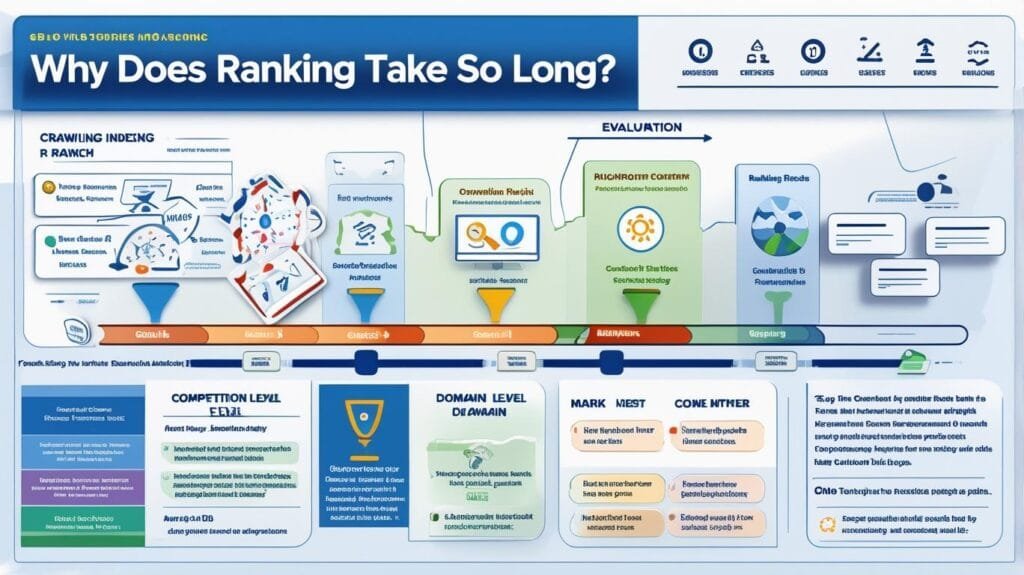
Here is the realistic timeline:
0–3 months
- Google discovers your site
- Limited or unstable rankings
- Mostly testing phase
3–6 months
- Long-tail keywords begin ranking
- Traffic starts slowly increasing
6–12 months
- Authority builds
- Multiple keywords rank consistently
- Organic traffic becomes stable
12+ months
- Strong competitive rankings possible
- Compound growth phase begins
8. Expected Results
If done correctly, you should see:
- Gradual increase in impressions
- More keyword visibility over time
- Early rankings for long-tail keywords
- Steady organic traffic growth
- Improved domain trust
But important truth:
👉 SEO growth is exponential, not linear.
9. The One Lesson to Remember
“Google does not reward speed—it rewards consistency, relevance, and proven value over time.”
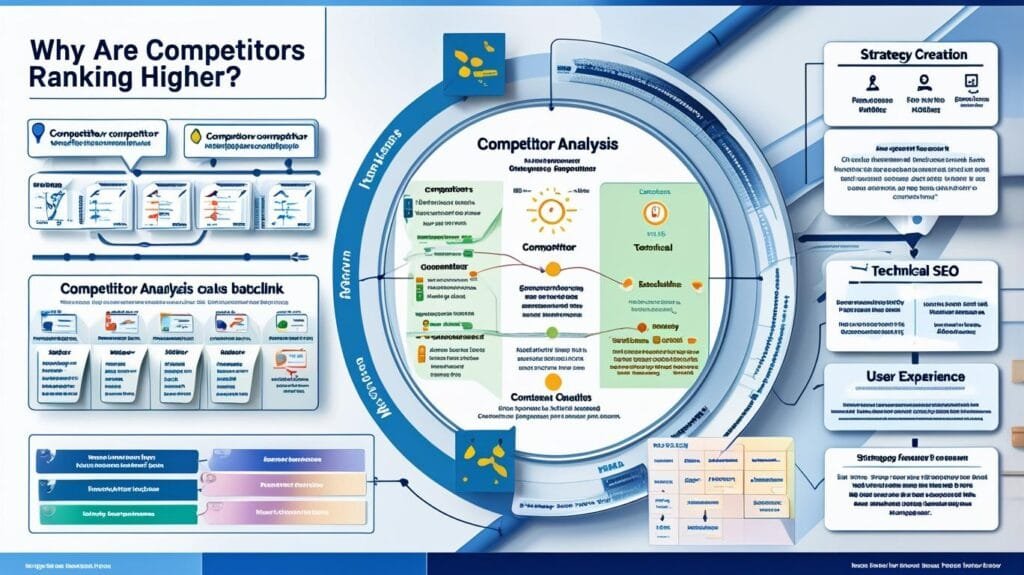
Why Are My Competitors Ranking Above Me?
1. The Real Reason This Happens (It’s Not “They Are Better”)
When people see competitors ranking above them, the first emotional reaction is usually: “They must be more successful or have better content.” But in SEO, that assumption is often wrong.
Google does not rank websites based on who is “better” in a general sense. It ranks based on who sends clearer signals of relevance, trust, and usability for a specific search query.
That means your competitor may not be smarter, more experienced, or even offering a better service. They may simply be:
- Easier for Google to understand
- More structured in content
- More consistent in publishing
- Better linked internally and externally
- More trusted by other websites
Think of Google like a librarian. If two books cover the same topic, the librarian will recommend the book that is:
- Clearly written
- Frequently referenced
- Well organized
- Already trusted by readers
So your competitor is not “winning” randomly. They are simply sending stronger SEO signals.
2. How to Diagnose Why They Are Ranking Instead of You
This is where most people fail—they compare surface-level things like design instead of analyzing SEO structure.
You need a reverse engineering approach.
Step 1: Analyze their exact ranking pages
Search your target keyword and open the top 3 competitors.
Ask:
- What is the page type? (blog, landing page, service page)
- How detailed is the content?
- What questions do they answer that I don’t?
- Is their page focused or broad?
👉 If their page is more focused on the search intent, Google prefers it.
Step 2: Check keyword targeting precision
Look at:
- Title tags
- Headings (H1, H2)
- First 100 words of content
If competitors repeat the keyword naturally while you are vague or broad, they win relevance.
Step 3: Evaluate backlinks (authority signals)
Use tools like Ahrefs or SEMrush and check:
- How many websites link to them
- Which websites link to them
- Whether those links are relevant
👉 Backlinks act like “votes of trust” in Google’s system.
Step 4: Compare content depth vs intent
Ask:
- Do they explain better or just longer?
- Do they answer follow-up questions?
- Do they solve the problem completely?
Google prefers complete answers, not just long articles.
3. Step-by-Step Solution to Outrank Competitors
Step 1: Match search intent perfectly
Before writing anything, understand:
- Is the user trying to learn?
- Is the user trying to buy?
- Is the user comparing options?
👉 Why this matters: If intent mismatch exists, you cannot rank—even with better content.
Step 2: Build a better content structure
Instead of writing one flat article, structure it like:
- Clear sections
- Logical flow
- Direct answers early
- Supporting explanations after
👉 Why this matters: Google prefers content it can easily “extract meaning” from.
Step 3: Improve content depth strategically
Do not just add words. Add:
- Real examples
- Step-by-step explanations
- Mistakes users make
- Practical application steps
👉 Why this matters: Depth increases perceived usefulness.
Step 4: Strengthen authority signals
You must build trust externally:
- Get mentions from relevant websites
- Build internal linking structure
- Publish consistently on related topics
👉 Why this matters: Google ranks websites, not isolated pages.
4. Tools You Should Use (Properly Explained)
Google Search (Manual SERP Analysis)
This is your first and most powerful tool.
You are not just searching—you are studying:
- Content structure
- Intent matching
- SERP features (FAQs, snippets)
👉 Why it matters: Google already shows you what it prefers.
Ahrefs / SEMrush
Use these for:
- Backlink analysis
- Keyword gaps
- Competitor ranking history
👉 Focus on: “What do they have that I don’t?”
Screaming Frog
Use it to analyze competitor site structure:
- Internal linking strength
- Page hierarchy
- Technical SEO signals
👉 Why it matters: Structure often beats content length.
5. Common Mistakes to Avoid
Mistake 1: Copying competitors blindly
Many people copy content instead of understanding strategy. This never works long-term.
Mistake 2: Focusing only on content length
Longer does not mean better. Google prefers useful, structured, and complete answers.
Mistake 3: Ignoring authority building
Even great content struggles without trust signals (backlinks, mentions, history).
Mistake 4: Misunderstanding intent
Writing informational content for transactional keywords (or vice versa) kills rankings.
6. What to Do First, Second, Third, and Fourth
First: Identify exactly why they rank
Break down their page structure, intent alignment, and authority level.
Second: Fix content alignment
Ensure your page matches search intent better than theirs.
Third: Upgrade content quality
Add missing explanations, examples, and structured clarity.
Fourth: Build authority signals
Focus on backlinks, internal linking, and topical consistency.
7. How Long It Takes to Catch or Beat Competitors
- Weak competitors (low authority sites): 1–3 months
- Moderate competitors: 3–6 months
- Strong competitors: 6–12+ months
- Established authority sites: 12–24 months
👉 Important truth: You don’t “jump” competitors—you gradually outperform them in signals.
8. Expected Results
If executed correctly, you will see:
- Improved keyword positions
- Increased impressions
- Higher click-through rates
- Gradual movement into top 10 results
- Stronger domain trust over time
But remember:
👉 Ranking improvement is a signal accumulation process, not a single action result.
9. The One Lesson to Remember
“You don’t outrank competitors by being better in general—you outrank them by being clearer, more relevant, and more trusted for a specific search intent.”
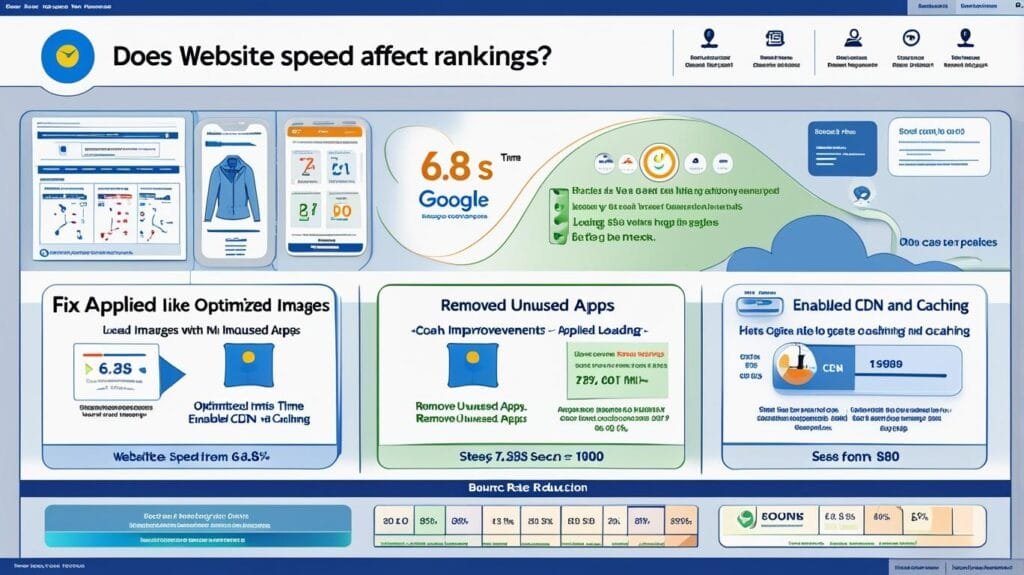
Does Website Speed Really Affect Google Rankings?
1. The Real Reason This Happens (Speed is Not the Whole Story)
Many website owners believe that improving speed alone will automatically push their site to the top of Google. This is a misunderstanding of how Google actually evaluates performance.
Website speed is not a direct “ranking magic button.” Instead, it is part of a larger system called user experience signals.
Google’s goal is simple:
👉 Show users pages that load quickly, feel smooth, and solve problems without frustration.
So speed is not about rewarding fast websites—it is about penalizing bad user experiences indirectly.
Here is what actually happens:
- If your site is slow, users leave quickly
- If users leave quickly, engagement drops
- If engagement drops, Google reduces confidence in your page
- If confidence drops, rankings weaken over time
So speed is not the cause of ranking alone—it is part of a chain reaction that affects trust.
Think of it like this:
A slow website is not “punished.”
It is simply less preferred because users behave negatively on it.
2. How to Diagnose If Speed Is Actually Your Problem
You cannot guess speed issues—you must measure them properly and interpret them correctly.
Step 1: Test your homepage and key pages
Use Google PageSpeed Insights and test:
- Homepage
- Main service page
- Blog post page
Do not rely on just one test. Different pages behave differently.
Step 2: Understand Core Web Vitals
Google measures three key signals:
Largest Contentful Paint (LCP)
This is how fast the main content appears.
- Good: under 2.5 seconds
- Poor: over 4 seconds
👉 If LCP is slow, users feel the site is “laggy” at first glance.
Interaction to Next Paint (INP)
This measures responsiveness.
- Good: under 200ms
- Poor: over 500ms
👉 If this is bad, buttons and interactions feel delayed.
Cumulative Layout Shift (CLS)
This measures visual stability.
- Good: under 0.1
- Poor: over 0.25
👉 If this is bad, elements move while loading, frustrating users.
Step 3: Compare mobile vs desktop
Most SEO problems happen on mobile.
If mobile performance is weak but desktop is strong, Google still considers your site “slow” overall.
3. Step-by-Step Solution to Improve Website Speed
Speed optimization is not one action—it is a system of improvements.
Step 1: Fix image weight (biggest issue for most sites)
Most slow websites suffer from oversized images.
You should:
- Compress images before upload
- Use modern formats like WebP
- Avoid uploading raw high-resolution files unnecessarily
👉 Why this matters: Images often account for 60–80% of page load time.
Step 2: Reduce unnecessary code and plugins
Every plugin or script adds load time.
You should:
- Remove unused plugins
- Avoid duplicate scripts
- Minify CSS and JavaScript when possible
👉 Why this matters: More code = more processing time for browsers.
Step 3: Improve hosting quality
Cheap hosting often causes slow server response times.
You should ensure:
- Fast server response (< 600ms ideally)
- Reliable uptime
- Good geographic server location
👉 Why this matters: Even a perfect website feels slow if the server is slow.
Step 4: Use caching and CDN
Caching stores ready versions of your pages so they load faster.
A CDN (Content Delivery Network) distributes your content globally.
👉 Why this matters: Users load content from the nearest server instead of a single location.
4. Tools You Should Use (Explained Properly)
Google PageSpeed Insights
This is your main diagnostic tool.
It shows:
- Core Web Vitals
- Performance score
- Specific optimization suggestions
👉 Focus on real user metrics, not just the score number.
Lighthouse (inside Chrome DevTools)
This tool simulates page performance.
Use it to:
- Identify render-blocking resources
- Detect unused JavaScript
- Analyze loading sequence
👉 Why it matters: It shows why your site is slow, not just that it is slow.
GTmetrix (secondary tool)
Useful for visualizing:
- Waterfall loading breakdown
- File-by-file load delays
👉 Why it matters: It helps you see exactly what slows your page down.
5. Common Mistakes to Avoid
Mistake 1: Obsessing over a perfect 100 score
A perfect score does not guarantee rankings. Google cares more about real user experience than synthetic scores.
Mistake 2: Installing too many speed plugins
Ironically, too many optimization plugins can slow the site further.
Mistake 3: Ignoring mobile performance
Most traffic is mobile-first. Desktop optimization alone is not enough.
Mistake 4: Confusing speed with SEO strategy
Speed improves experience—but it does not replace content, backlinks, or relevance.
6. What to Do First, Second, Third, and Fourth
First: Measure real performance
Use PageSpeed Insights on key pages to identify actual bottlenecks.
Second: Fix high-impact issues
Start with images, scripts, and server response time.
Third: Improve structural performance
Add caching, CDN, and optimize loading sequence.
Fourth: Re-test and monitor
Speed optimization is not one-time—it requires periodic checks.
7. How Long Improvements Take to Affect Rankings
- Immediate improvements: 1–7 days (technical fixes)
- User behavior impact: 2–6 weeks
- SEO ranking effect: 1–3 months
👉 Important truth: Google does not instantly re-evaluate trust after speed changes.
8. Expected Results
After proper optimization, you should see:
- Lower bounce rates
- Higher user engagement
- Slight improvement in rankings over time
- Better mobile usability scores
- Increased crawling efficiency
But remember:
👉 Speed improves the environment for ranking—not the ranking itself.
9. The One Lesson to Remember
“Website speed does not make you rank—but slow websites silently lose users, and lost users eventually lead to lost rankings.”
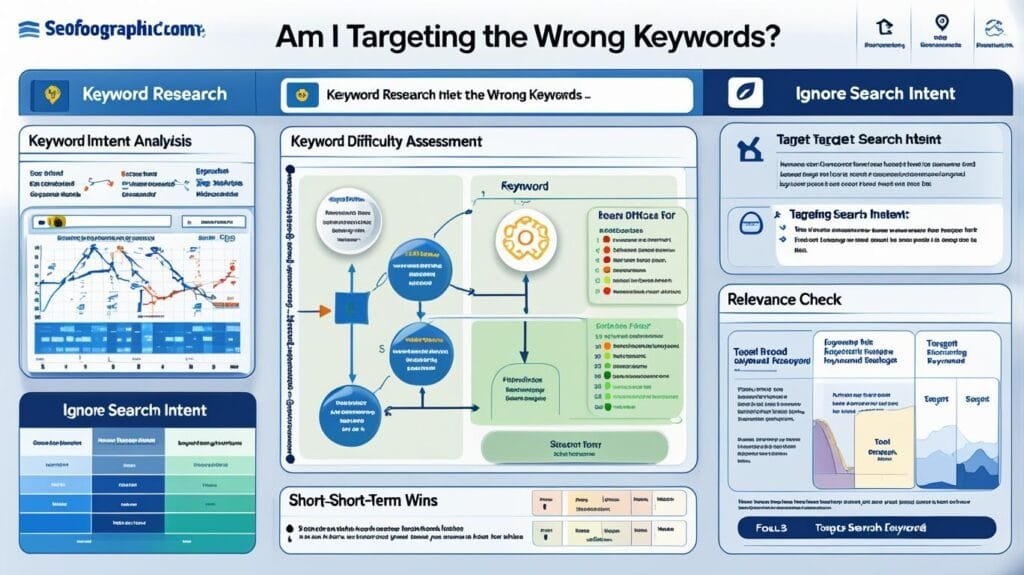
Am I Targeting the Wrong Keywords?
1. The Real Reason This Happens (Most Ranking Problems Start Here)
One of the biggest hidden reasons websites fail to rank is not content quality, backlinks, or speed—it is keyword misalignment.
Many website owners assume that SEO is about choosing “popular keywords” and writing content around them. But Google does not work that way.
Google ranks pages based on one core principle:
👉 How well a page satisfies the intent behind a specific search query.
So when you target the wrong keywords, you are not just “missing traffic”—you are completely mismatching user intent.
There are three types of keyword mistakes that cause ranking failure:
- Targeting keywords that are too competitive for your site’s authority
- Targeting keywords that do not match user intent
- Targeting keywords that are too broad or vague to rank clearly
For example:
If you are a small business and you target:
👉 “SEO”
You are competing with global agencies, authority websites, and high-trust domains.
But if you target:
👉 “SEO services for small businesses in Dubai”
You are speaking directly to a specific audience with lower competition and clearer intent.
So the problem is not effort.
It is misdirection of effort.
2. How to Diagnose If Your Keywords Are Wrong
This is where most people guess—but we will diagnose properly like an SEO consultant.
Step 1: Check your current ranking keywords in Search Console
Go to:
Google Search Console → Performance → Search Results
Look at:
- Queries bringing impressions
- Average position
- Click-through rate (CTR)
Now ask:
- Are these keywords relevant to my business?
- Are they too broad?
- Are they bringing the right audience?
👉 If impressions are high but clicks are low, your keywords are attracting the wrong intent.
Step 2: Identify keyword intent type
Every keyword belongs to one of four intent categories:
- Informational → “what is SEO”
- Navigational → “Ahrefs login”
- Transactional → “buy SEO services”
- Commercial investigation → “best SEO agency in Dubai”
If your content does not match the intent type, Google will not rank it well.
Example mistake:
Writing a blog post targeting “buy SEO services” → Google expects a sales page, not an article.
Step 3: Compare your keywords with competitors
Search your target keyword and ask:
- Are competitors targeting more specific variations?
- Are they using long-tail keywords?
- Are they focusing on a narrower topic?
👉 If yes, your keyword is too broad.
3. Step-by-Step Solution to Fix Keyword Targeting
Fixing keyword strategy is not about replacing words—it is about restructuring your entire content direction.
Step 1: Narrow your keyword focus
Instead of targeting broad keywords, move toward:
- Long-tail keywords
- Location-based keywords
- Problem-specific keywords
Example transformation:
❌ “digital marketing”
✔ “digital marketing strategy for real estate agents in Dubai”
👉 Why this matters: Narrow keywords reduce competition and increase relevance.
Step 2: Match keyword to content type
Each keyword must match a content format:
- Informational → blog posts
- Transactional → service pages
- Comparison → review pages
- Local → location landing pages
👉 Why this matters: Google expects specific formats for specific intents.
Step 3: Build keyword clusters instead of single keywords
Instead of one keyword per page, build topic groups:
Example:
Main topic: SEO for beginners
Supporting topics:
- keyword research basics
- on-page SEO guide
- technical SEO checklist
👉 Why this matters: Google rewards topical authority, not isolated pages.
Step 4: Rewrite or re-optimize existing content
Do not delete content immediately. Instead:
- Adjust headings
- Improve title tags
- Refocus introduction
- Add missing subtopics
👉 Why this matters: You can often recover rankings without starting from scratch.
4. Tools You Should Use (Proper Explanation)
Google Search Console
This is your keyword reality check tool.
It shows:
- What people actually search before finding you
- Which queries you are partially ranking for
👉 Why it matters: Real data beats assumptions.
Ahrefs / SEMrush
Use these tools to:
- Find keyword difficulty
- Analyze competitor keywords
- Discover content gaps
👉 Why it matters: You see where opportunity exists, not just where you are.
Google Autocomplete + “People Also Ask”
These show real user intent patterns.
👉 Why it matters: Google literally tells you what users are searching for.
5. Common Mistakes to Avoid
Mistake 1: Targeting only high-volume keywords
High volume often means high competition and low success probability for new sites.
Mistake 2: Ignoring search intent
Many websites rank poorly because they write blog content for transactional keywords.
Mistake 3: Using one page for too many keywords
This confuses Google about what the page is actually about.
Mistake 4: Copying competitor keywords blindly
Competitors may have authority you do not yet have.
6. What to Do First, Second, Third, and Fourth
First: Audit your current keywords
Use Search Console to identify what you are actually ranking for.
Second: Fix intent alignment
Ensure each keyword matches the correct content type.
Third: Rebuild keyword strategy
Focus on long-tail, specific, and low-competition opportunities.
Fourth: Re-optimize existing pages
Improve titles, structure, and topic depth.
7. How Long It Takes to See Results
- Small keyword adjustments: 2–4 weeks
- Content re-optimization: 1–3 months
- New keyword strategy impact: 3–6 months
- Full authority shift: 6–12 months
👉 Keyword strategy is a foundation change—it compounds over time.
8. Expected Results
If corrected properly, you will see:
- Higher relevance in search results
- Improved click-through rates
- Faster ranking on long-tail keywords
- More qualified traffic
- Better alignment between content and users
9. The One Lesson to Remember
“Ranking is not about targeting popular keywords—it is about targeting the right keywords that match real user intent and your current authority level.”
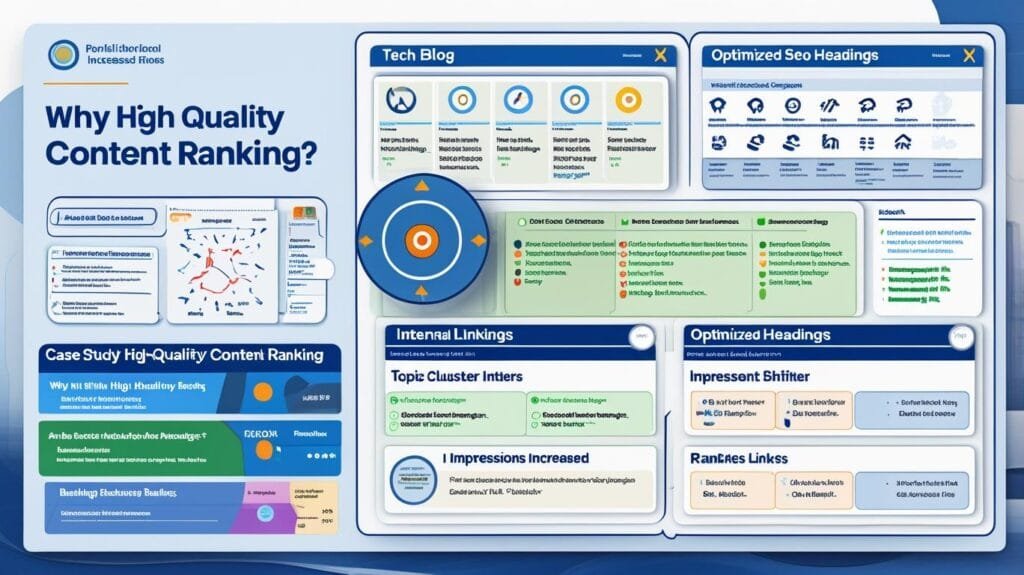
Why Isn’t My Content Ranking Despite Being High Quality?
1. The Real Reason This Happens (Quality Alone Is Not Enough)
This is one of the most frustrating situations in SEO: you spend hours or days creating a well-written, well-structured article, yet it does not rank. Naturally, the assumption is: “My content must not be good enough.”
But in reality, this is often incorrect.
Google does not rank content based on quality in isolation. Instead, it ranks content based on quality + relevance + authority + discoverability + user behavior signals.
This means even excellent content can fail if it lacks context within Google’s ecosystem.
Here is the core truth:
👉 High-quality content that Google cannot trust or properly categorize will still not rank.
Think of it like opening a perfect restaurant in a city where no one knows it exists, no reviews exist, and no signage points to it. The food may be excellent, but customers will not arrive.
There are four major hidden reasons this happens:
- Google does not fully understand what your page is about
- Your site lacks authority signals compared to competitors
- Your content is not aligned with search intent
- Users are not engaging with your page in a positive way
So the issue is not writing quality—it is ranking ecosystem alignment.
2. How to Diagnose Why Your Content Is Not Ranking
You must stop assuming and start analyzing signals.
Step 1: Check if your content is actually indexed and visible
In Google Search Console:
Go to:
Performance → Search Results
Check:
- Impressions
- Average position
- Queries
If impressions are near zero, Google is not even testing your content.
👉 This means discovery or relevance issues—not content quality issues.
Step 2: Analyze keyword alignment
Ask:
- Does my content clearly target one primary keyword?
- Does the title match search intent?
- Do headings reflect what users are searching for?
If your content is broad or mixed-topic, Google may struggle to categorize it.
Step 3: Compare with ranking competitors
Search your target keyword and analyze:
- Content depth
- Structure clarity
- Use of subtopics
- Topical focus
If competitors are more structured, Google prefers them—even if your writing is better.
Step 4: Check engagement signals (indirect but important)
Look at:
- Bounce rate (via analytics tools)
- Time on page
- Scroll depth
If users leave quickly, Google interprets this as low satisfaction.
3. Step-by-Step Solution to Make Content Rank
Fixing “good but not ranking” content requires strategic optimization—not rewriting everything.
Step 1: Strengthen search intent alignment
Rewrite or refine:
- Title tag
- Meta description
- Introduction paragraph
Make sure the content clearly matches what users are searching for.
👉 Why this matters: Google ranks pages that match intent fastest.
Step 2: Improve content structure for readability and parsing
Break content into:
- Clear headings
- Logical progression
- Direct answers early in sections
- Supporting explanations later
👉 Why this matters: Google extracts meaning from structure, not just words.
Step 3: Add missing topical depth
Ask:
- What questions are users asking that I did not answer?
- What subtopics are missing?
- What examples can I add?
👉 Why this matters: Depth signals authority within a topic.
Step 4: Strengthen internal linking
Link your content to:
- Related blog posts
- Category pages
- Service pages
And link back from other pages too.
👉 Why this matters: Google uses internal links to understand importance and relationships.
4. Tools You Should Use (Explained in Real Context)
Google Search Console
Your primary diagnosis tool.
Focus on:
- Queries your page appears for
- Pages with impressions but low clicks
- Position trends over time
👉 Why it matters: It shows how Google currently interprets your content.
SurferSEO / Clearscope (Content optimization tools)
These tools analyze:
- Keyword coverage
- Topic completeness
- Competitor content structure
👉 Why it matters: They reveal gaps in topical coverage.
Ahrefs / SEMrush
Use for:
- Competitor page analysis
- Keyword overlap
- Content gap discovery
👉 Why it matters: Ranking is comparative, not absolute.
5. Common Mistakes to Avoid
Mistake 1: Thinking writing quality is enough
Beautiful writing does not guarantee ranking. Structure and authority matter more.
Mistake 2: Targeting multiple topics in one article
Google prefers focused pages that solve one primary intent.
Mistake 3: Ignoring internal linking
Isolated content rarely ranks strongly.
Mistake 4: Expecting immediate ranking
Even perfect content may take weeks or months to gain traction.
6. What to Do First, Second, Third, and Fourth
First: Check indexing and visibility
Ensure Google is actually showing impressions.
Second: Align content with search intent
Refine title, structure, and focus.
Third: Expand topical depth
Add missing questions, subtopics, and explanations.
Fourth: Strengthen internal linking
Connect your content into a topic ecosystem.
7. How Long It Takes to Rank Properly
- Minor optimizations: 2–4 weeks
- Content restructuring: 1–3 months
- Authority building impact: 3–6 months
- Strong competitive rankings: 6–12 months
👉 Content does not rank instantly—it matures in Google’s system.
8. Expected Results
If fixed correctly, you should see:
- Increased impressions in Search Console
- Better keyword coverage
- Gradual ranking improvements
- Higher engagement signals
- Stronger topical authority over time
9. The One Lesson to Remember
“High-quality content does not rank on its own—Google ranks content that is clearly understood, trusted, and contextually connected within a topic ecosystem.”
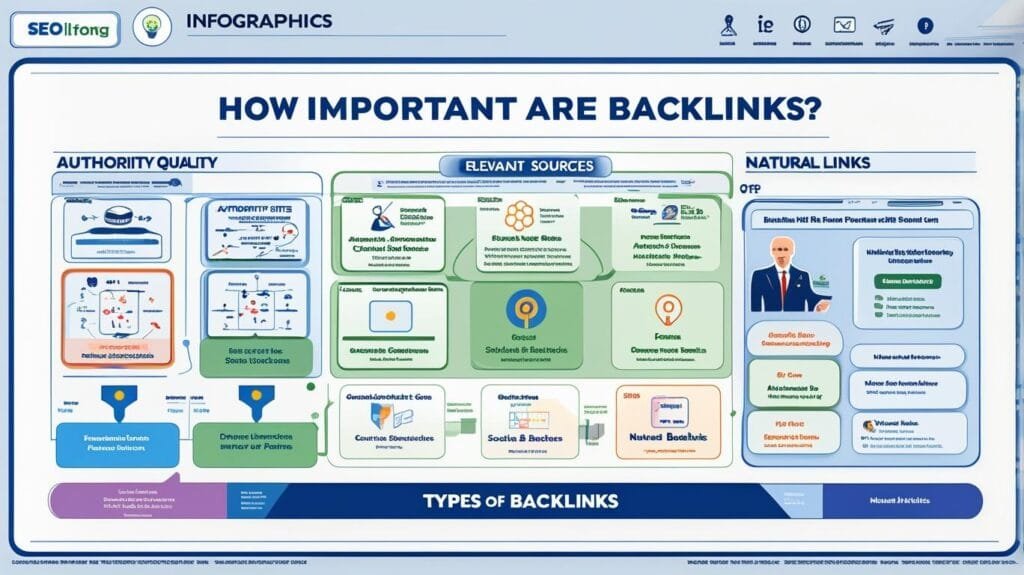
How Important Are Backlinks in Modern SEO?
1. The Real Reason This Happens (Why Backlinks Still Matter But Confuse People)
Backlinks are one of the most misunderstood parts of SEO. Some people believe backlinks are everything. Others believe they are outdated. Both views are wrong.
To understand backlinks correctly, you need to understand what Google is trying to measure.
Google has one core problem:
👉 It must decide which websites are trustworthy enough to rank above others.
Backlinks help solve this problem because they act like external validation signals. When another website links to you, it is essentially saying:
“This content is useful enough that I am willing to reference it.”
But here is the important truth modern SEO often ignores:
👉 Not all backlinks are equal, and backlinks alone cannot fix weak content or poor relevance.
Google now evaluates backlinks in a much more complex way:
- Who is linking to you
- Why they are linking to you
- How relevant the linking site is
- Whether the link is natural or manipulative
- Whether users actually trust that source
So backlinks are not “votes” in a simple sense—they are trust-weighted signals inside a larger quality system.
A site with strong content and few backlinks can still outrank a site with many weak backlinks.
But when everything else is equal, backlinks often become the deciding factor.
2. How to Diagnose If You Have a Backlink Problem
You cannot guess authority—you must measure it.
Step 1: Check your backlink profile
Use Ahrefs or SEMrush and look at:
- Total backlinks
- Referring domains (more important than total links)
- Domain Rating (DR) or Authority Score
- Link quality distribution
👉 Why this matters: 100 links from one site is weaker than 10 links from different trusted sites.
Step 2: Compare with competitors
Search your target keyword and analyze top ranking pages:
- How many referring domains do they have?
- Are their backlinks from authoritative sites?
- Are they getting consistent new links?
👉 If competitors consistently have stronger link profiles, that explains ranking differences.
Step 3: Evaluate link relevance
Ask:
- Are links coming from related industries?
- Or random, unrelated websites?
👉 Google values relevance more than volume.
3. Step-by-Step Solution to Build Strong Backlinks
Backlinks should never be random. They must be earned through value.
Step 1: Create link-worthy content
Before outreach, you need something worth linking to:
- Guides with real depth
- Data-driven content
- Tools or resources
- Unique insights or case studies
👉 Why this matters: People do not link to “average”—they link to useful references.
Step 2: Build relationships, not just links
Modern link building is not spam outreach.
It involves:
- Connecting with industry websites
- Offering value first
- Contributing guest content
- Sharing insights
👉 Why this matters: Google detects unnatural link patterns.
Step 3: Focus on relevance over quantity
A few high-quality links from relevant websites outperform dozens of weak links.
Examples:
- Industry blogs
- Local business directories (trusted ones)
- News mentions
- Educational sites
Step 4: Strengthen internal authority flow
Even without external backlinks, you can improve ranking by:
- Linking related pages internally
- Creating topic clusters
- Building strong site structure
👉 Why this matters: Internal links distribute authority across your website.
4. Tools You Should Use (Proper Understanding)
Ahrefs
Used for:
- Backlink analysis
- Competitor link comparison
- Referring domain tracking
👉 Why it matters: It shows how authority is built in your niche.
SEMrush
Used for:
- Link gap analysis
- Toxic link detection
- Competitor backlink strategies
👉 Why it matters: It helps you find opportunities you are missing.
Google Search Console
Used for:
- Basic backlink overview
- Linking domains report
👉 Why it matters: It shows what Google already recognizes.
5. Common Mistakes to Avoid
Mistake 1: Buying low-quality backlinks
This may create short-term spikes but often leads to long-term penalties or devaluation.
Mistake 2: Ignoring relevance
Random backlinks from unrelated sites do not build topical authority.
Mistake 3: Focusing only on quantity
Hundreds of weak links do not outperform a few strong ones.
Mistake 4: Expecting backlinks to fix weak content
Backlinks amplify content—they do not replace it.
6. What to Do First, Second, Third, and Fourth
First: Analyze your current authority
Understand your backlink profile and compare with competitors.
Second: Strengthen content quality
Ensure your pages are actually worth linking to.
Third: Start strategic outreach
Focus on relevance, relationships, and value exchange.
Fourth: Build internal linking structure
Distribute authority across your website intelligently.
7. How Long It Takes to See Results
- New backlinks impact: 2–6 weeks
- Authority improvement: 2–4 months
- Competitive ranking movement: 3–12 months
- Strong domain authority growth: 6–18 months
👉 Backlinks are a compounding signal, not an instant boost.
8. Expected Results
If done correctly, you should see:
- Higher domain authority over time
- Improved keyword rankings
- Faster indexing of new content
- More referral traffic
- Stronger competitive positioning
9. The One Lesson to Remember
“Backlinks are not shortcuts to ranking—they are trust signals that amplify already valuable and relevant content.”
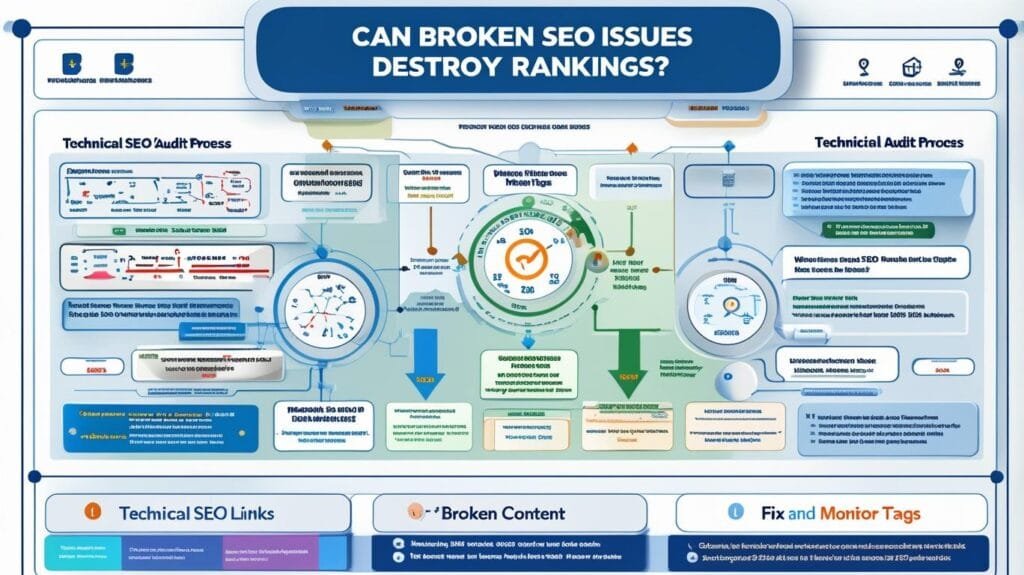
Can Technical SEO Issues Silently Destroy Rankings?
1. The Real Reason This Happens (Why “Invisible” Problems Are the Most Dangerous)
Yes—technical SEO issues can absolutely destroy rankings, and the most dangerous part is that they often do it silently.
Unlike content problems (which are visible), technical issues do not announce themselves. Your website may look perfect to users, load normally, and even have good content—yet Google may be struggling to properly crawl, interpret, or prioritize your pages.
To understand this, you need to think like Google.
Google is constantly trying to answer three questions:
- Can I access this page?
- Can I understand this page?
- Should I trust this page enough to rank it?
Technical SEO affects all three.
If technical signals are broken, Google may:
- Crawl your site less frequently
- Misunderstand page structure
- Ignore important pages
- Waste crawl budget on useless pages
- Fail to index updated content properly
👉 The key idea is this:
Technical SEO does not usually “boost” rankings—it prevents rankings from collapsing or never appearing in the first place.
So when technical SEO is broken, your content may never even get a fair chance.
2. How to Diagnose Technical SEO Problems Properly
You cannot detect technical SEO issues by looking at the website alone. You must analyze how Google interacts with it.
Step 1: Check indexing behavior in Google Search Console
Go to:
Search Console → Page Indexing Report
Look for patterns like:
- “Crawled – currently not indexed”
- “Discovered – currently not indexed”
- “Duplicate without user-selected canonical”
- “Alternate page with proper canonical tag”
👉 Why this matters: These messages show that Google is seeing your site but refusing or delaying indexing.
Step 2: Analyze crawl errors
Inside Search Console, check:
- Server errors (5xx)
- Not found errors (404)
- Redirect errors
- Soft 404s
👉 Why this matters: Crawl errors interrupt Google’s ability to move through your site efficiently.
Step 3: Check site structure issues
Ask:
- Are important pages buried too deep?
- Are there orphan pages (no internal links)?
- Is navigation inconsistent?
👉 Why this matters: If Google cannot easily navigate your site, it assumes pages are less important.
Step 4: Inspect robots.txt and meta directives
Look for:
- Disallowed directories in robots.txt
- “noindex” tags on important pages
- Canonical tags pointing to wrong URLs
👉 Why this matters: These are the most common “silent killers” of SEO visibility.
3. Step-by-Step Solution to Fix Technical SEO Issues
Fixing technical SEO is about restoring clarity for Google—not just fixing errors.
Step 1: Fix indexing and access barriers
Start with the most critical layer:
- Remove accidental noindex tags
- Fix robots.txt restrictions
- Ensure server stability
👉 Why this matters: If Google cannot access pages, nothing else matters.
Step 2: Repair crawl efficiency
Make sure Google can move through your site easily:
- Fix broken internal links
- Reduce unnecessary redirect chains
- Improve site navigation structure
👉 Why this matters: Efficient crawling increases indexing speed and coverage.
Step 3: Improve canonical structure
Ensure every page clearly signals its main version:
- Avoid duplicate pages
- Use correct canonical tags
- Consolidate similar content
👉 Why this matters: Google must understand which page is the “original.”
Step 4: Strengthen internal architecture
Build a logical site hierarchy:
- Homepage → Categories → Subpages
- Important pages within 2–3 clicks
- Strong internal linking between related topics
👉 Why this matters: Structure defines importance in Google’s eyes.
4. Tools You Should Use (Explained Practically)
Google Search Console
This is your primary diagnostic system.
Focus on:
- Indexing reports
- Coverage issues
- Crawl stats
- URL inspection tool
👉 Why it matters: It shows exactly how Google sees your site.
Screaming Frog SEO Spider
This tool mimics how Google crawls your website.
It helps identify:
- Broken links
- Redirect chains
- Missing metadata
- Duplicate content issues
👉 Why it matters: It reveals structural problems invisible to users.
PageSpeed Insights
Technical SEO is not just structure—it includes performance.
Check:
- Core Web Vitals
- Server response time
- Rendering delays
👉 Why it matters: Slow technical performance reduces crawl efficiency.
5. Common Mistakes to Avoid
Mistake 1: Ignoring “soft” errors in Search Console
Many people only fix obvious errors and ignore warnings like “crawled but not indexed.”
Mistake 2: Overcomplicating site structure
Too many categories, tags, and URLs confuse Google.
Mistake 3: Blocking pages during development
Websites often launch with leftover “noindex” settings accidentally still active.
Mistake 4: Assuming content fixes technical issues
Even perfect content cannot overcome crawl or indexing barriers.
6. What to Do First, Second, Third, and Fourth
First: Ensure full crawl access
Fix robots.txt, noindex tags, and server errors.
Second: Fix indexing issues
Resolve all major coverage problems in Search Console.
Third: Improve structure and navigation
Make your site easy for Google to explore.
Fourth: Optimize internal linking
Strengthen relationships between pages.
7. How Long It Takes to See Results
- Small fixes: 3–7 days (re-crawling)
- Indexing corrections: 1–4 weeks
- Structural improvements: 1–3 months
- Full SEO stabilization: 3–6 months
👉 Technical SEO improvements often show delayed but strong impact.
8. Expected Results
If fixed properly, you should see:
- Increased indexing coverage
- Faster crawling of new pages
- Improved keyword visibility
- More stable rankings
- Reduced “missing pages” issues
9. The One Lesson to Remember
“Technical SEO does not make you rank higher—it ensures Google can properly access, understand, and trust everything you have already built.”
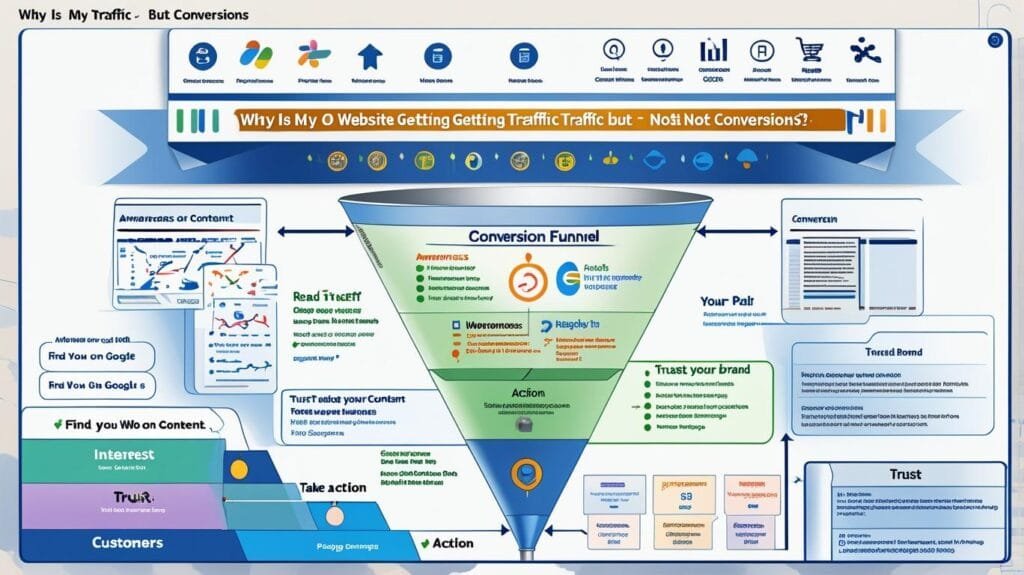
Why Is My Website Getting Traffic but Not Conversions?
1. The Real Reason This Happens (Traffic ≠ Business Growth)
This is one of the most misunderstood stages in SEO.
People finally get traffic, feel progress is happening, but then notice something frustrating:
👉 Visitors are not becoming leads, customers, or enquiries.
At this point, the instinct is usually to blame SEO again. But the real issue is different:
SEO brings visitors. Conversion happens after the click.
Google’s job ends when it sends users to your website. What happens next depends entirely on how well your website matches user intent, trust expectations, and decision clarity.
So the core problem is not traffic quality in a general sense—it is intent mismatch between what users expect and what your page delivers.
There are three main psychological gaps that cause this:
- Users expected a solution, but got general information
- Users were ready to buy, but did not trust the page
- Users were interested, but the next step was unclear or difficult
👉 In simple terms:
Traffic without conversion usually means you attracted the right people but failed to guide them properly.
2. How to Diagnose the Conversion Problem
You must analyze behavior, not assumptions.
Step 1: Check traffic source quality in Google Search Console
Go to:
Performance → Search Results
Look at:
- Queries bringing traffic
- Pages receiving clicks
- CTR (click-through rate)
Ask:
- Are users searching buying-related keywords or informational ones?
- Are they landing on the right pages?
👉 If blog pages get traffic but service pages don’t, you have an intent funnel gap.
Step 2: Analyze user behavior in analytics
Use tools like GA4 and check:
- Bounce rate
- Average engagement time
- Scroll depth
- Exit pages
👉 Why this matters: These metrics show whether users find value or leave immediately.
Step 3: Evaluate your landing page clarity
Ask:
- Can a visitor understand what I offer in 5 seconds?
- Is the value proposition visible immediately?
- Is the next step obvious?
👉 If users need to “figure things out,” conversions drop.
Step 4: Check trust signals
Look for missing elements:
- Testimonials
- Case studies
- Real proof of results
- Professional branding
👉 Why this matters: Users do not convert if they do not trust you.
3. Step-by-Step Solution to Improve Conversions
Fixing conversions is about guiding behavior—not forcing it.
Step 1: Align content with user intent
Make sure each page has a clear purpose:
- Informational page → educate
- Service page → sell or generate leads
- Landing page → convert immediately
👉 Why this matters: Mixed intent confuses users.
Step 2: Improve clarity of value proposition
Your page must answer instantly:
- What do you offer?
- Who is it for?
- Why should I trust you?
👉 Why this matters: Users decide within seconds whether to stay.
Step 3: Strengthen call-to-action (CTA)
Your CTA must be:
- Visible
- Clear
- Action-oriented
Examples:
- “Get a free consultation”
- “Request a quote”
- “Start your audit”
👉 Why this matters: If users don’t know what to do next, they do nothing.
Step 4: Build trust throughout the page
Add:
- Case studies
- Client results
- Certifications
- Real examples
👉 Why this matters: Trust is the final conversion trigger.
4. Tools You Should Use (Explained Properly)
Google Analytics 4 (GA4)
Used for:
- Behavior tracking
- Funnel analysis
- Engagement measurement
👉 Why it matters: It shows what users actually do, not what they should do.
Google Search Console
Used for:
- Traffic quality analysis
- Keyword intent review
- Landing page performance
👉 Why it matters: It connects search intent with real traffic.
Hotjar / Microsoft Clarity
Used for:
- Heatmaps
- Session recordings
- User behavior tracking
👉 Why it matters: It shows where users get confused or drop off.
5. Common Mistakes to Avoid
Mistake 1: Focusing only on traffic growth
Traffic without conversion is meaningless for business.
Mistake 2: Weak or hidden call-to-action
Many websites bury their CTA or make it unclear.
Mistake 3: Ignoring trust signals
Users need proof before they take action.
Mistake 4: Sending all traffic to blog pages
Blogs inform—but they rarely convert without proper funnel structure.
6. What to Do First, Second, Third, and Fourth
First: Identify intent mismatch
Check whether your traffic matches your conversion goal.
Second: Fix landing page clarity
Make value and offer immediately understandable.
Third: Improve trust elements
Add proof, testimonials, and credibility signals.
Fourth: Optimize CTAs
Make next steps obvious and frictionless.
7. How Long It Takes to See Results
- Minor page improvements: 1–2 weeks
- Conversion rate improvements: 2–6 weeks
- Full funnel optimization: 1–3 months
👉 Conversion optimization is faster than SEO but still requires testing.
8. Expected Results
If fixed properly, you should see:
- Higher conversion rates
- More qualified leads from same traffic
- Lower bounce rates on key pages
- Better engagement metrics
- Improved ROI from SEO traffic
9. The One Lesson to Remember
“Traffic is only the beginning—conversions happen when clarity, trust, and intent align perfectly on the same page.”
What Is the Complete 90-Day SEO Action Plan to Fix All Ranking Issues?
1. The Real Reason This Matters (SEO Fails Without a System)
Most websites don’t fail because of one big mistake—they fail because they do many small things without a structured system.
They write content randomly, fix technical issues occasionally, build a few backlinks inconsistently, and expect rankings to improve automatically.
But SEO doesn’t work like that.
Google doesn’t reward activity. It rewards patterns of improvement over time.
So the real problem is not “what should I do in SEO?”
The real problem is:
👉 “In what order should I do things so Google can understand, trust, and rank my website?”
This is why a 90-day structured plan matters. It turns chaos into progression.
2. Phase 1 (Days 1–30): Foundation and Technical Clarity
This phase is about making your website fully understandable to Google.
If this phase is weak, everything else fails.
What you must do:
First, fix indexing and crawlability:
- Verify site in Google Search Console
- Submit XML sitemap
- Fix robots.txt issues
- Remove accidental noindex tags
👉 Why this matters: If Google cannot access your pages properly, nothing else works.
Next, clean technical structure:
- Fix broken links
- Remove duplicate pages
- Correct canonical tags
- Improve URL structure
👉 Why this matters: Google needs clarity, not confusion.
Then, establish tracking:
- Set up Google Analytics 4
- Monitor Search Console performance
- Track indexing status weekly
👉 Why this matters: You cannot improve what you cannot measure.
Outcome of Phase 1:
- Website becomes fully crawlable
- Indexing stabilizes
- Google starts understanding structure
3. Phase 2 (Days 31–60): Content and Keyword Authority Building
This is where most ranking growth begins.
Step 1: Fix keyword strategy
- Focus on long-tail keywords
- Avoid overly competitive terms
- Match content to search intent
👉 Why this matters: Wrong keywords = invisible content.
Step 2: Build topic clusters
Instead of random blog posts:
- Create 1 main topic
- Build 5–10 supporting articles
- Interlink everything
👉 Why this matters: Google ranks authority, not isolated pages.
Step 3: Improve existing content
- Expand weak articles
- Add missing subtopics
- Improve structure and clarity
👉 Why this matters: Updated content often ranks faster than new content.
Outcome of Phase 2:
- First keyword impressions increase
- Long-tail rankings start appearing
- Content becomes topically relevant
4. Phase 3 (Days 61–90): Authority and Optimization Growth
This phase turns visibility into stable rankings.
Step 1: Start backlink acquisition
Focus on:
- Guest posts on relevant sites
- Industry mentions
- Natural editorial links
👉 Why this matters: Authority determines long-term ranking strength.
Step 2: Strengthen internal linking system
- Connect related articles
- Boost important pages with internal links
- Build clear site hierarchy
👉 Why this matters: Internal links guide Google’s understanding of importance.
Step 3: Optimize based on real data
Now use Search Console:
- Identify pages with impressions but low CTR
- Improve titles and meta descriptions
- Refine content based on queries
👉 Why this matters: Data-driven SEO is far more effective than guesswork.
Outcome of Phase 3:
- Noticeable ranking improvements
- Higher keyword visibility
- Stable organic traffic growth begins
- Stronger domain trust signals
5. Tools You Should Use Throughout the 90 Days
Google Search Console
Core tool for:
- Indexing status
- Keyword performance
- Technical issues
👉 Think of it as Google’s feedback system.
Google Analytics 4
Used for:
- Traffic behavior
- Engagement tracking
- Conversion analysis
👉 Shows what users actually do on your site.
Ahrefs / SEMrush
Used for:
- Competitor tracking
- Keyword gaps
- Backlink monitoring
👉 Shows how you compare to competitors.
Screaming Frog
Used for:
- Technical audits
- Site structure analysis
- Error detection
👉 Simulates how Google crawls your site.
6. Common Mistakes That Break the 90-Day Plan
Mistake 1: Doing everything at once
SEO is sequential. Skipping steps weakens results.
Mistake 2: Expecting instant ranking jumps
Google needs time to reassess trust after changes.
Mistake 3: Publishing without structure
Random content does not build authority.
Mistake 4: Ignoring data after publishing
SEO is not “set and forget.” It is continuous optimization.
7. What Realistic Success Looks Like After 90 Days
If executed correctly, you should see:
- Fully indexed website
- Stable keyword impressions
- First-page movement for long-tail keywords
- Improved content visibility
- Early organic lead generation (depending on niche)
👉 Important truth: 90 days is not “final success”—it is the beginning of momentum.
8. The One Lesson to Remember
“SEO success is not created by isolated actions—it is built through a structured system of technical clarity, content authority, and consistent optimization over time.”
Final Conclusion (Course Summary)
If you step back and look at everything we covered:
- Indexing issues block visibility
- Time delays are normal in Google’s system
- Competitors win through signals, not superiority
- Speed affects user experience, not just rankings
- Keywords define direction
- Content needs context, not just quality
- Backlinks build trust, not shortcuts
- Technical SEO ensures access
- Conversions depend on clarity and trust
- SEO success requires a structured 90-day system
👉 In simple terms:
Google does not reward the hardest work—it rewards the most structured, consistent, and understandable websites.
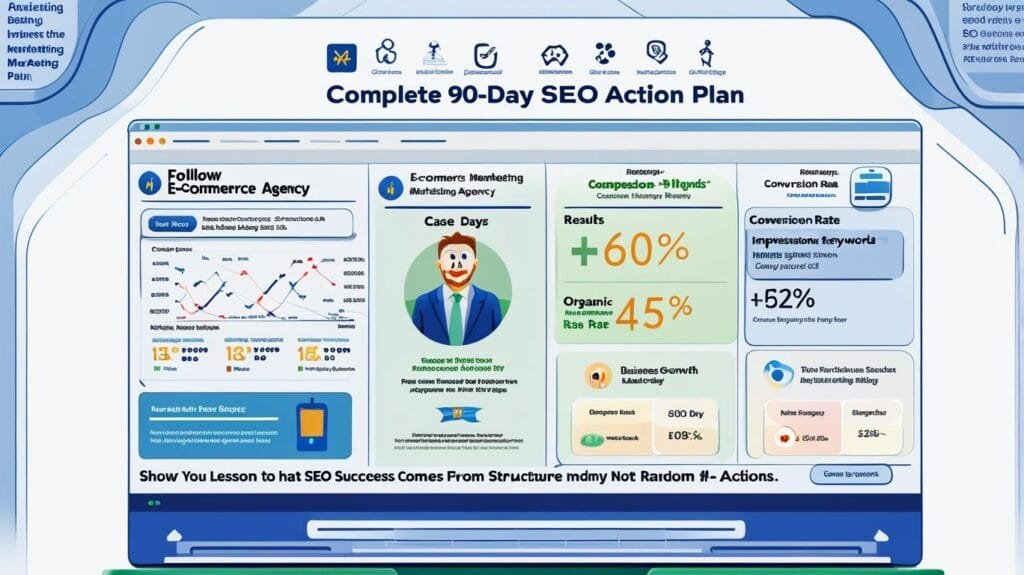
Case Study: Local Marketing Agency
A small agency followed a structured 90-day SEO plan.
Phase 1
- Fixed indexing issues
- Cleaned technical SEO
Phase 2
- Created 12 keyword-focused articles
- Built topic clusters
Phase 3
- Acquired 8 quality backlinks
- Optimized internal linking
Result after 90 days
- 60% increase in impressions
- First page rankings for 15+ long-tail keywords
- 2–3x increase in inbound leads
Lesson
👉 SEO success came from systematic execution, not isolated tactics.
