

Introduction
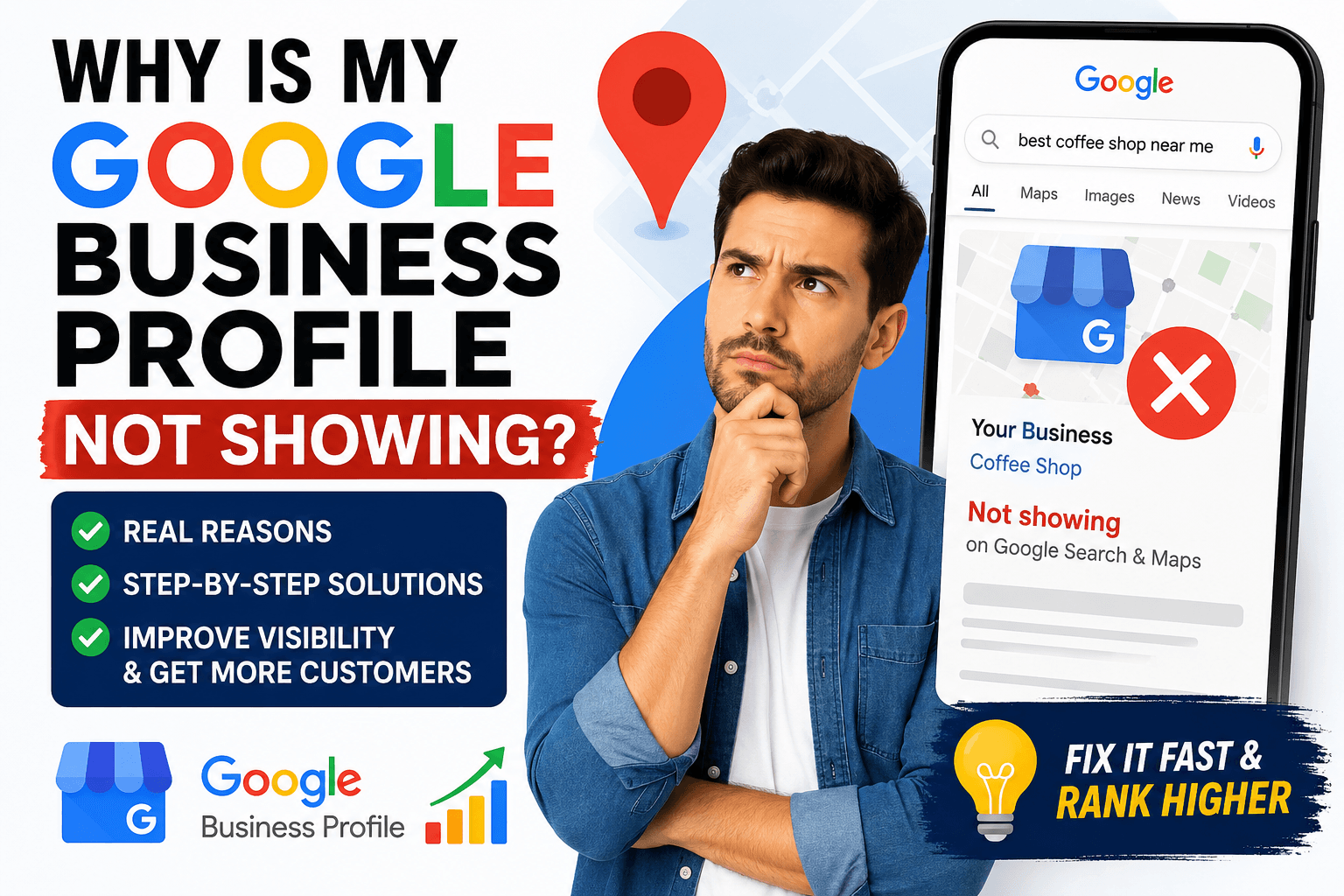
If your Google Business Profile is not showing on Google Search or Google Maps, it can feel frustrating—especially when you know your business is real and active.
The truth is, this problem is very common, and in most cases, it is completely fixable without any technical skills.
But the key is understanding one thing:
Note: Google does not show every business immediately. It only shows businesses it fully trusts.
In this guide, I will not just explain the reasons. I will show you exactly how to fix each problem step by step, so your business can start appearing on Google Search and Google Maps properly.
Question 1: Why is my Google Business Profile not showing at all?
This is the most common issue, especially for new or recently updated profiles.
The real reason:
Google is either still verifying your business or it does not have enough trust signals yet to display your profile publicly.
How to fix it step by step:
- Go to your Google Business Profile dashboard
- Check if your profile is “Verified”
- If not verified, complete the verification process immediately
- Make sure all details are fully filled (not half-complete)
- Add real business photos (shop, office, products, team)
- Wait at least 3–14 days for Google indexing
👉 After doing this, most profiles start appearing automatically.
Simple explanation:
Google will not show a business that looks incomplete or untrusted.
Question 2: I created my profile but still cannot see it. Why?
This happens because Google does not instantly publish new listings.
The real reason:
New business profiles go into a “review period” where Google checks:
- Is the business real?
- Is the information accurate?
- Is it spam or genuine?
How to fix it properly:
- Make sure your business name is real (no keyword stuffing)
- Add correct address and phone number
- Upload at least 5–10 real photos
- Select the correct business category
- Keep your profile active (add posts or updates weekly)
👉 This tells Google your business is real and active.
Simple explanation:
New profiles need trust-building time before they appear.
Question 3: Why is my competitor showing but not me?
This is one of the most frustrating situations for any business owner. You search for your service on Google or Google Maps and see your competitor appearing—but your own business is missing or far below.
The important thing to understand is this: it is usually not about who is better in real life. It is about who looks more trusted, active, and optimized in Google’s system.
The real reason:
Your competitor is not necessarily a better business than you. In most cases, they are simply doing a better job of showing signals that Google understands and trusts.
Google does not compare businesses based on quality alone. Instead, it looks at digital signals like activity, completeness, reviews, and consistency.
So if your competitor is more optimized, Google will naturally show them first.
Why Google prefers your competitor:
Google tends to rank businesses that look:
- More active (regular updates, posts, and engagement)
- More trusted (more customer reviews and responses)
- More complete (fully filled Google Business Profile)
- More consistent (same information everywhere online)
- More relevant (better categories and keywords)
Even small differences in these areas can make a big ranking gap.
What your competitor is likely doing better:
In most cases, they are doing a few simple things consistently:
- They have more real customer reviews
- They upload photos regularly
- Their Google Business Profile is fully completed
- They have the correct categories set up
- Their website is connected and optimized
- They appear in more local directories and websites
These actions build trust in Google’s system over time.
How you can fix it step by step:
Instead of focusing on your competitor, focus on improving your own signals:
- Fully complete your Google Business Profile
- Add high-quality photos of your business
- Start collecting customer reviews consistently
- Post updates on your profile regularly
- Make sure your website is connected and optimized for local SEO
- Use the correct primary business category
- Keep your business information consistent everywhere
Simple explanation:
Google is not choosing the “best business.”
Google is choosing the business that looks more reliable and active online.
If your competitor is showing and you are not, it simply means their online signals are stronger—not necessarily that their business is better.
Question 4: Can wrong business information stop my profile from showing?
Yes — and this is actually one of the most common reasons why a Google Business Profile does not appear on Google or Google Maps.
The real reason:
Google’s main job is to show users accurate and trustworthy business information. So when it finds different or confusing details about your business, it becomes unsure whether your business is real or reliable.
For example, if your business name, address, or phone number is not the same everywhere online, Google sees it as a “trust problem.” And when trust goes down, visibility also goes down.
What kind of mistakes cause this problem?
Even small differences can create issues, such as:
- Using different spellings of your business name
- Changing your address format on different websites
- Using multiple phone numbers
- Adding extra keywords in your business name (like “Best”, “Cheap”, “No.1”)
- Outdated information on directories or social media
What actually happens because of this?
When Google detects inconsistent information, it may:
- Reduce your ranking in Google Maps
- Stop showing your profile for important searches
- Delay indexing your business
- In some cases, hide your profile temporarily
How to fix it properly:
You need to make your business information 100% consistent everywhere online:
- Decide your exact business name (and use it everywhere)
- Use one fixed address format (same spelling everywhere)
- Use only one primary phone number
- Update all listings, social media, and directories
- Match your Google Business Profile with your website exactly
Simple explanation:
Google wants to be confident that your business is real and stable. If your information is inconsistent, Google gets confused — and when Google is confused, it does not show your business.
Question 5: Do reviews really affect visibility?
Yes — reviews are one of the strongest ranking signals.
The real reason:
Google uses reviews to measure trust and customer satisfaction.
How to fix it step by step:
- Ask every satisfied customer for a review
- Make it easy (send direct review link)
- Ask naturally after service delivery
- Reply to every review politely
- Keep getting reviews consistently (not all at once)
👉 Even 2–3 reviews per week can improve visibility.
Simple explanation:
More real reviews = more trust = more visibility.
Question 6: Why is my Google Business Profile not showing on Google Maps?
This usually happens when your profile is not strong enough.
The real reason:
Google Maps ranking depends on:
- Trust
- Location relevance
- Profile strength
How to fix it step by step:
- Fully complete your profile
- Add high-quality images
- Collect regular reviews
- Use correct business category
- Add services and descriptions
- Keep your profile active weekly
👉 Activity signals help Google rank you higher in Maps.
Simple explanation:
Google Maps shows businesses that are active and trusted.
Question 7: Does my website affect Google Business Profile visibility?
Yes, strongly.
The real reason:
Google connects your website with your business profile to verify authority.
How to fix it step by step:
- Create a simple website if you don’t have one
- Add your business name, address, and services
- Connect website link in Google Business Profile
- Add location-based keywords on your website
- Make sure website loads fast on mobile
👉 A strong website increases trust.
Simple explanation:
Website + GBP together = stronger ranking signal.
Question 8: How long does it take to fix visibility issues?
It depends on the problem level.
Typical timelines:
- Small issues → 3–7 days
- New profile → 1–3 weeks
- Competitive area → 1–3 months
How to speed it up:
- Add reviews quickly
- Complete all profile details
- Stay active weekly
👉 Google rewards consistency.
Question 9: What are the most common mistakes that stop visibility?
If your Google Business Profile is not showing, it usually doesn’t happen by chance.
In most cases, Google is reacting to small but important mistakes that break trust, confuse your business identity, or reduce your chances of appearing in search and Maps.
Let’s go through the real problems—and more importantly, how you should fix them in a practical way.
1. Incomplete profile
Many business owners create a Google Business Profile and then leave it half-finished. They think just creating it is enough—but it’s not.
What actually happens:
When your profile is incomplete, Google cannot fully understand what your business does, who you serve, or whether it is active. So instead of showing it confidently, Google pushes it down or ignores it in competitive searches.
How to fix it properly (real-world steps):
Don’t just fill basic info—treat your profile like your online shop front.
- Add a full business description that clearly explains your service
- Upload real photos (not stock images) like your shop, team, or work process
- Add every service you offer, not just one or two
- Make sure working hours are correct and updated
- Add website link and make sure it works properly
- Enable messaging if available
Simple truth:
A complete profile tells Google: “This business is active, real, and ready for customers.”
2. Fake or keyword-stuffed business name
This is one of the biggest reasons businesses get ignored or even suspended.
What actually happens:
Some people try to “trick” Google by adding keywords into their business name like:
“Best Cheap Dentist Abu Dhabi Emergency Clinic”
Google sees this as spam behavior. Even if your business is real, it damages trust immediately.
How to fix it properly:
- Use only your real business name (as it appears legally or in branding)
- Remove all extra keywords from the name field
- Keep the same name consistent across website, social media, and directories
Simple truth:
Google does not reward keyword tricks in business names—it rewards real identity.
3. No reviews or weak review activity
If your profile has no reviews, or only a few old ones, Google assumes the business is not active or not trusted by customers.
What actually happens:
Even if your service is excellent, lack of reviews makes your profile weaker in ranking compared to competitors with active customer feedback.
How to fix it properly:
This is not about getting hundreds of reviews—it’s about consistency.
- Ask every happy customer for a review right after service
- Send a direct review link (don’t make it complicated)
- Reply to every single review politely
- Keep collecting reviews steadily every week
Simple truth:
Reviews are not just feedback—they are “trust signals” for Google.
4. Wrong category selection
This is a silent but very powerful mistake.
What actually happens:
If you choose the wrong category, Google will show your business for irrelevant searches—or not show it at all because it cannot match your service properly.
How to fix it properly:
- Choose the most accurate primary category (this is very important)
- Add 2–3 relevant secondary categories
- Check what top competitors are using (but only copy if it makes sense for your real service)
Simple truth:
Category tells Google “what you are”—if it’s wrong, everything else becomes weak.
5. No updates or activity
Many businesses forget this part completely. They create the profile and never touch it again.
What actually happens:
An inactive profile slowly loses visibility because Google prefers businesses that look alive and engaged.
How to fix it properly:
You don’t need daily posting—but you need consistency.
- Post updates once a week (offer, service, or news)
- Upload new photos regularly
- Update anything that changes (timing, services, etc.)
- Keep small but consistent activity going
Simple truth:
Active businesses look more trustworthy than silent ones.
Final Simple Truth (Important)
If your Google Business Profile is not showing, it is almost never one big problem.
It is usually a combination of small missing signals like:
- incomplete profile
- weak trust (no reviews)
- wrong identity (category/name issues)
- inconsistent activity
- low engagement
When you fix these properly—not just once, but consistently—Google slowly starts rebuilding trust in your business.
And once trust builds, visibility naturally comes back.
👉 In simple words:
Google doesn’t “hide” your business randomly. It only shows businesses it fully understands and trusts.
